


DEISO LCC Pro is a professional desktop platform under development for Life Cycle Costing (LCC), Life Cycle Cost Analysis (LCCA), Total Cost of Ownership (TCO), procurement evaluation, asset economics, and lifecycle decision support.
It is built around a single idea: professional lifecycle costing should be rigorous without becoming unnecessarily difficult to operate.
Most cost studies begin with spreadsheets, quotations, asset registers, supplier information, assumptions, maintenance records, and supporting evidence scattered across different files and systems. Building a defensible lifecycle-cost study from those sources becomes a project in itself. DEISO LCC Pro brings that work into one structured environment.
DEISO LCC Pro is a pre-production product under intensive development and is not yet commercially released. Registering on the priority access list creates no purchase obligation and does not imply beta or early-access availability.
Inside DEISO LCC Pro
Life cycle costing, total cost of ownership and procurement decision support. All screens show demonstration studies supplied with the application.

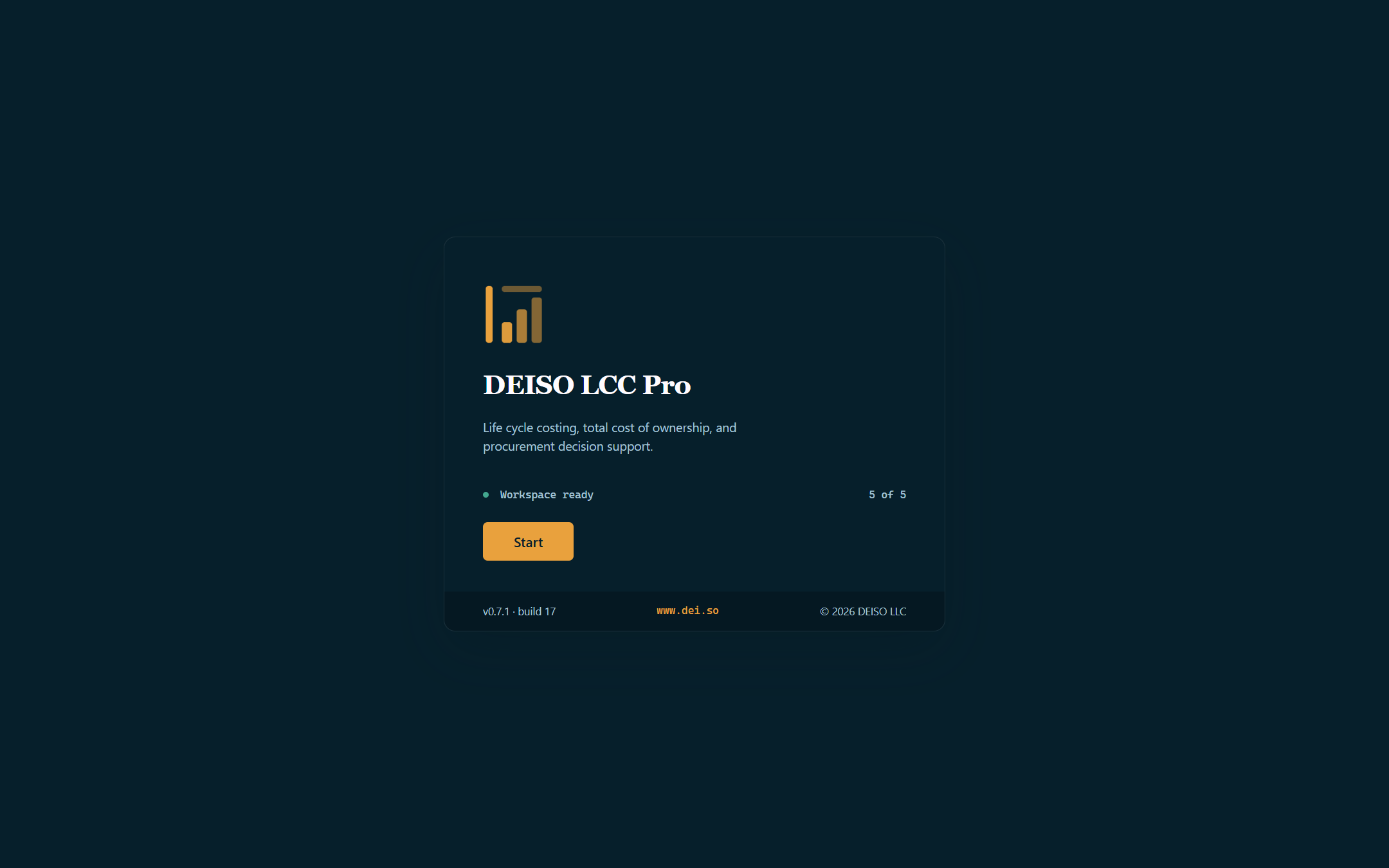
Launch — the application opens on a workspace card carrying version and build.
DEISO LCC Pro v0.7.3, build 34 · Enterprise edition · Windows x64. The software is under active development; the discounted calculation engine is not part of this release.
Lifecycle costing built as a working environment
You do not need a process simulation, a physics model, or a complex engineering simulation to structure an LCC or LCCA study. DEISO LCC Pro is built around the lifecycle-cost decision itself: what is being assessed, what it costs over time, what assumptions support the model, what alternatives are in play, where the evidence comes from, and how the final decision can be reviewed.
A study is not a collection of disconnected calculators. It is an interconnected model holding the records that actually describe the decision:
- Assets, systems, and services
- Cost items
- Suppliers and bids
- Alternatives
- Assumptions
- Evidence
- Lifecycle stages
- Study configuration
- Scenarios and overrides where supported
- Industry-specific measurement and validation rules
One environment in which a practitioner can create, structure, import, inspect, validate, compare, document, and calculate a complete lifecycle-cost study.
LCC and LCCA without requiring a simulation model
When the task is to compare ownership alternatives, evaluate a supplier, examine replacement economics, understand operating cost, assess an investment, or establish total cost of ownership, the software should help structure that decision — not push the user through an unrelated modelling environment first.
DEISO LCC Pro is therefore a focused professional LCC and LCCA workspace: rigorous enough for serious engineering and commercial analysis, while remaining workable for practitioners who neither need nor want a heavyweight simulation platform.
What makes DEISO LCC Pro different
Twelve capabilities that separate a structured lifecycle-cost environment from a spreadsheet and a folder of quotations.
Study Builder
Turns an empty workspace into a structured study. The application walks the practitioner through study identity, decision context, industry profile, perspective, boundaries, financial basis, alternatives, and starting method.
Once created, the study becomes a working environment rather than a static project record — built around studies you create, not prebuilt demonstration data.
Spreadsheet-style cost model
Lifecycle-cost professionals work in tables. The Cost Model gives you that directly — editing, sorting, filtering, searching, copy and paste, import, and handling of larger models.
The spreadsheet is one view. Underneath, records stay structured application data governed by validation, industry policies, controlled vocabularies, and relationships. Tabular familiarity without reducing the product to an Excel skin.
Visual Model
A cost may belong to an asset, attach to an alternative, come from a supplier, depend on an assumption, or rest on a piece of evidence. The Visual Model makes that structure visible: assets, cost items, suppliers, alternatives, assumptions, and evidence, with the connections between them.
It is synchronized with the live study. Where a relationship maps to a real model field, changing the relationship changes the record — not a decorative line on a canvas.
EnterpriseCanonical unit system
Numbers are only useful when their meaning is unambiguous. Measurement semantics are part of the model rather than free text attached to a number.
Costs resolve through cost basis → quantity → unit → unit rate. Assets resolve through asset quantity → operating basis → output or service → metric → unit → qualifier → reference condition.
Import what you already have
Real studies start in existing files. Structured import covers Excel, CSV, and pasted clipboard tables, across assets, costs, suppliers, alternatives, assumptions, and evidence.
Controlled values resolve against the same rules used for manual entry. Ambiguous values are held for review rather than guessed, and an import that cannot be committed safely is refused as one transaction rather than leaving half a study behind.
Validation Centre
Professional lifecycle costing is not only entering numbers. It is knowing whether those numbers form a coherent study.
Validation identifies issues in the model, takes you to the affected record, distinguishes levels of concern, and states why a finding matters rather than showing an error code. A model should surface its own weaknesses before they reach a calculation, a report, or a decision.
Learning Centre inside the software
A professional modelling platform and a professional learning platform in one desktop application. The curriculum spans life cycle costing, TCO, engineering economics, financial mathematics, discounting, procurement and bid evaluation, asset-management economics, risk and sensitivity, circular economics, and industry applications.
It answers not only where to click, but why a method works and when to use it.
Industry-aware, not one-size-fits-all
Thirteen industry profiles govern more than labels: relevant cost categories, asset and service structures, measurement vocabulary, validation rules, model defaults, and guided workflows.
The same application handles the economics of a pump, a building, a transport asset, a water system, an industrial process, a digital service, or a business investment without pretending they share terminology.
Demonstration studies you can work in
Demonstrations across the industry profiles are not screenshots of finished work. A demonstration can be copied into your own workspace and edited freely while the original stays untouched.
A practical starting point for understanding how different study types are structured.
Modern desktop software
Built on Electron, React, TypeScript, and SQLite, and offline-first at its core — study work does not depend on a permanent cloud connection. Future cloud services are intended to complement the local workspace, not gate it.
Full-width professional workspaces, keyboard-oriented interaction, desktop file workflows, system tray integration, persistent study state, and local data storage.
Light and dark themes
Both themes run on a unified design system rather than two unrelated designs. Controls, tables, diagrams, and application surfaces keep the same visual hierarchy in either mode.
You can also follow the Windows appearance setting.
Traceability by architecture
A lifecycle-cost result should be explainable months or years after it was produced. Study information can carry source, evidence, owner, date, confidence, validation state, assumptions, calculation method, intermediate values, and change history.
A reviewer should understand not only the final figure, but how that figure came to exist. Complete traceability is a formal architectural principle of the product.
A full professional curriculum, inside the application
The built-in Learning Centre is considerably more than a help section. It is a structured professional curriculum sitting alongside the modelling environment, so a practitioner can learn the method while building the study that needs it.
Alongside these: 24 derivations, instructor material, diagrams, assessments, and professional references.
Particularly relevant to organizations developing internal LCC capability, training staff, standardizing methods, or introducing lifecycle economics into procurement and asset-management processes.
Thirteen industry profiles
Profiles govern the vocabulary, categories, validation rules, and defaults appropriate to each sector:
- General
- Business
- Oil & Gas
- Chemical
- Petrochemical
- Manufacturing
- Buildings
- Infrastructure
- Energy
- Water
- Mining
- Transportation
- Custom
What is being developed next
A substantial application foundation is already established: the professional Learning Centre, Study Builder, modelling environment, Visual Model, Unit System, import and export framework, and validation architecture. The remaining roadmap takes the product through several major areas before full commercial release.
Deterministic financial calculation engine
The methodology layer being built as the mathematical source of truth for lifecycle cash flows, discounting, escalation, inflation, replacements, residual value, NPV and NPC, EAC and EUAC, IRR, payback, scenarios, sensitivity, and risk.
Deterministic mathematics: AI will not be permitted to produce authoritative calculation results.
Procurement and decision support
Planned decision workflows:
- Supplier and bid comparison
- Scope normalization
- Repair against replace
- Buy against lease
- Make against buy
- In-house against outsource
- Break-even analysis
- Alternative ranking and structured decision records
Professional reports and exports
Executive, financial, technical, procurement, supplier, asset, and study outputs, with formats planned across PDF, print, Word, Excel, CSV, and reusable chart formats.
Teach Me
Rather than another generic tutorial, Teach Me starts from a specific live calculated result and opens up the calculation method, complete formula, actual study inputs, intermediate calculations, dependency chain, assumptions, warnings, evidence, period-by-period calculation, and a manual reproduction table.
Deliberately separate from both the Learning Centre and AI — its explanation comes from the deterministic calculation trace itself.
AI Workspace
A later controlled assistant for study preparation, import mapping, validation review, and report drafting. AI stays separate from the deterministic calculation engine.
Changes to study data are intended to require user approval, with controlled deletion, audit, and rollback rather than silent modification.
Already enforced today
Edition-level capabilities — Visual Model, scenarios, audit and evidence, study import and export, updates — are enforced by the application itself rather than described in a pricing table. A single executable with edition entitlements, not separate builds.
Basic, Professional, and Enterprise
One application, three commercial editions. Capabilities are controlled by the product itself — a single executable with edition entitlements rather than separate builds.
Every capability in this section is the same across all three editions.
| Capability | Basic Free 16 of 28 capabilities | Professional 22 of 28 capabilities | Enterprise 28 of 28 capabilities |
|---|---|---|---|
| Licensing and scope | 4 of 4 | 4 of 4 | 4 of 4 |
| Users per licence | 1 | 1 | 1 |
| Devices per licence | 1 | 1 | 1 |
| Studies per workspace | 1 | Unlimited | Unlimited |
| Industry profiles | General + one profile of your choice | All 12 standard profiles | All 12 standard profiles + Custom |
| Core analysis | 4 of 4 | 4 of 4 | 4 of 4 |
| LCCA (life cycle cost analysis) | Included | Included | Included |
| TCO (total cost of ownership) | Included | Included | Included |
| Procurement decision support | Included | Included | Included |
| Unit reference manual | Included | Included | Included |
| Modelling and traceability | 1 of 5 | 1 of 5 | 5 of 5 |
| Visual Model | — | — | Included |
| Scenarios | — | — | Included |
| Teach Me calculation traces | — | — | Included |
| AI Assistant | — | — | Included |
| Audit trail and evidence register | Included | Included | Included |
| Reporting and suppliers | 3 of 3 | 3 of 3 | 3 of 3 |
| Report templates | 2 | 7 | 7 + branded |
| Supplier options | 2 | Unlimited | Unlimited |
| Study export | Cost Model as CSV | Full study package | Full study package |
| Data import and export | 0 of 3 | 3 of 3 | 3 of 3 |
| Export to Excel and CSV | — | Included | Included |
| Study import | — | Included | Included |
| Paste import — CSV and Excel headers and rows | — | Included | Included |
| Portability and maintenance | 1 of 5 | 4 of 5 | 5 of 5 |
| Sync | — | Included | Included |
| Back-up | — | Included | Included |
| Study transfer between machines and users | — | — | Included |
| Hard reset | — | Included | Included |
| Debug and maintenance | Included | Included | Included |
| Support and updates | 3 of 4 | 3 of 4 | 4 of 4 |
| Resources — tutorials, Excel and CSV files, studies, manuals | Included | Included | Included |
| Priority support | — | — | Included |
| Software updates | Included | Included | Included |
| Beta updates | Included | Included | Included |
Basic — free
A free edition that doubles as the way to try the product. Build one complete study, use the Learning Centre, and work in one industry profile — enough to judge whether the modelling environment fits how your team works before committing to a paid licence.
Professional
For regular practitioners who need unlimited studies, broader industry coverage, study import, full study export, and professional reporting.
Enterprise
For organisations needing the highest level of model visibility, traceability, and advanced analysis — Visual Model, scenarios, audit and evidence, Teach Me, branded outputs, study transfer, and priority support as each reaches its scheduled release stage.
Single application
Edition capabilities are enforced by the product rather than by separate installers, so an edition change does not require a different build or a reinstall.
The edition structure above is as of 10 August 2026. Capabilities listed for later roadmap stages remain under development and will become available as the product approaches commercial release.
Who DEISO LCC Pro is built for
- Cost engineering
- Asset management
- Procurement
- Finance
- Engineering
- Operations and maintenance
- Sustainability
- Investment analysis
- Business planning
- Consulting and project evaluation
Particularly where the question is not “what costs less today?”
but “what will this asset, service, supplier, investment, or alternative cost over its complete life — and can that conclusion be defended?”
A modern approach to lifecycle costing
Not by adding complexity for its own sake. Not by requiring every user to become a simulation specialist. And not by reducing lifecycle costing to a single financial calculator.
The objective is to bring data, model structure, industry context, validation, evidence, learning, calculation, and decision support into one coherent professional environment.
A practitioner should be able to understand the study while building it. A reviewer should be able to understand why its figures are there. And an organization should be able to turn lifecycle costing from an occasional spreadsheet exercise into a repeatable professional process.
Join the priority access list
Register for release updates, edition availability, and commercial launch information as DEISO LCC Pro approaches release.
DEISO LCC Pro is not yet commercially released. Joining the priority access list creates no purchase obligation and does not imply beta or early-access availability.
DEISO LCC Pro
Professional Life Cycle Costing and Life Cycle Cost Analysis
Developed by DEISO LLC · Product architecture by Dr. Mahdi Ikhlayel
© 2026 DEISO LLC. All rights reserved.